 John Peart
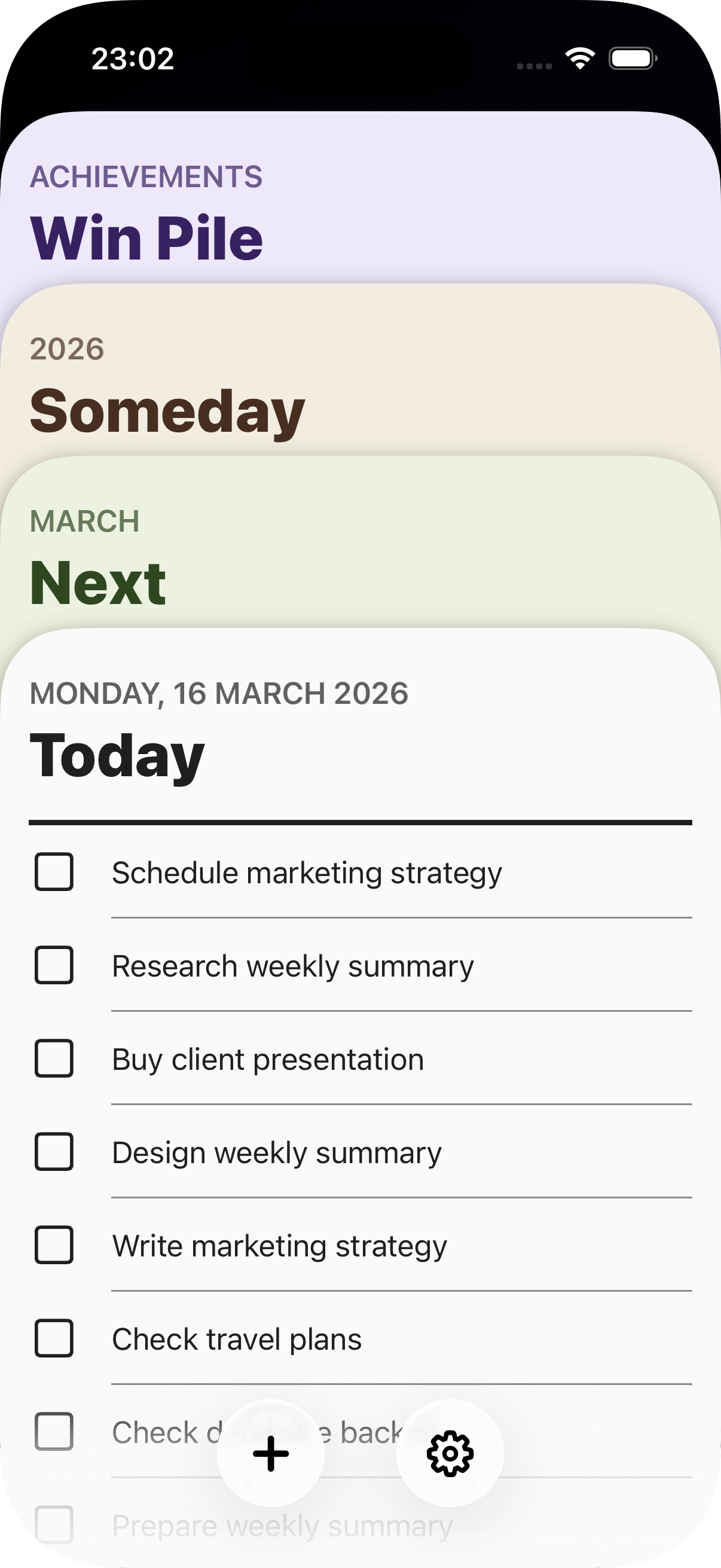
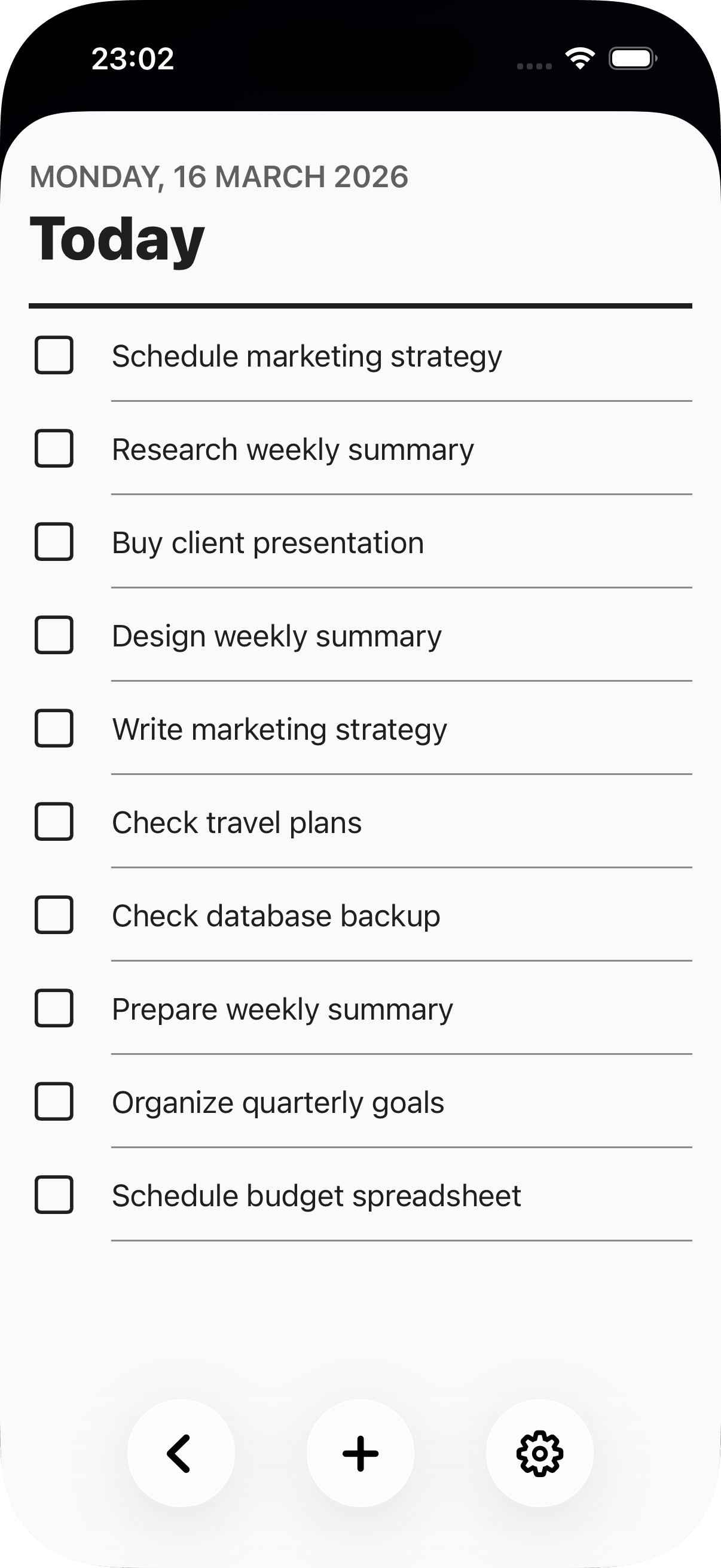
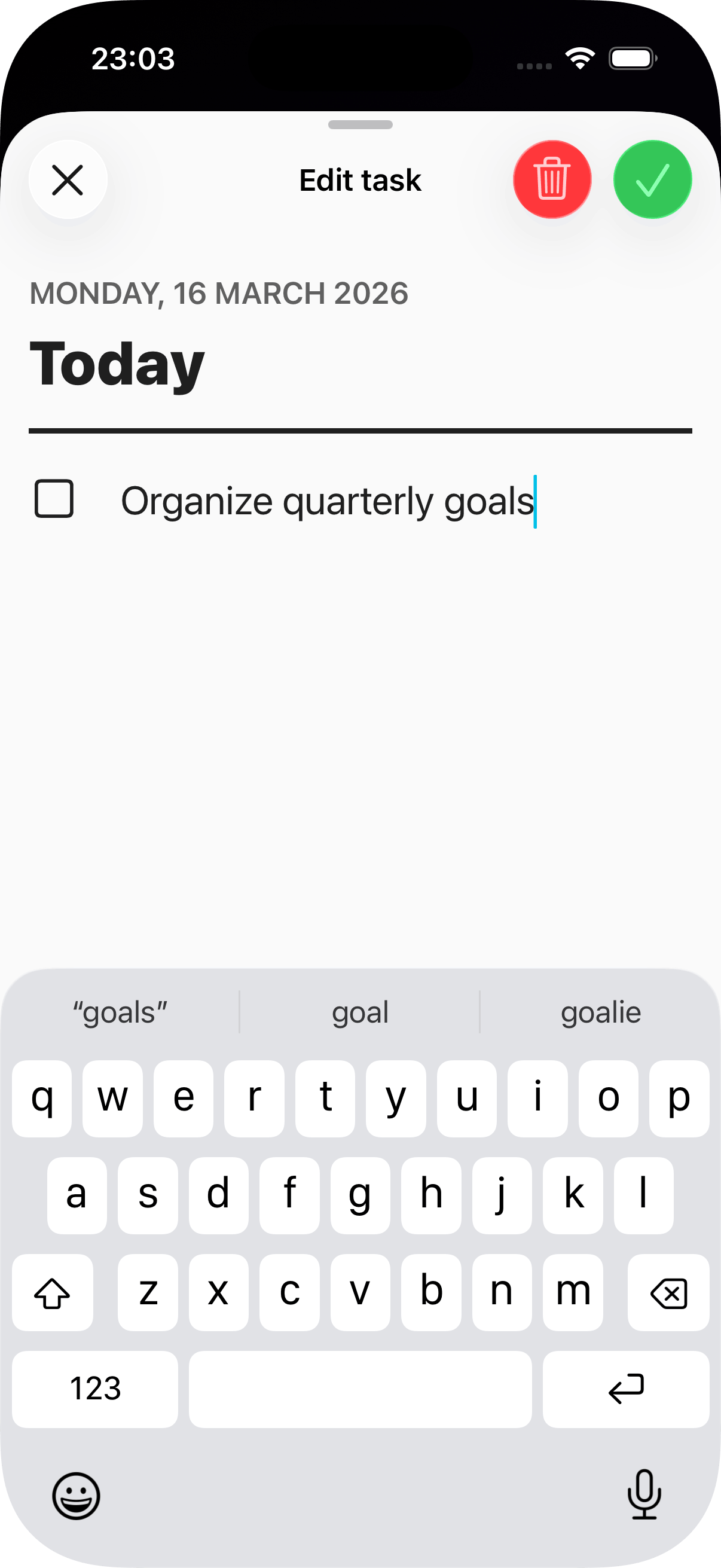
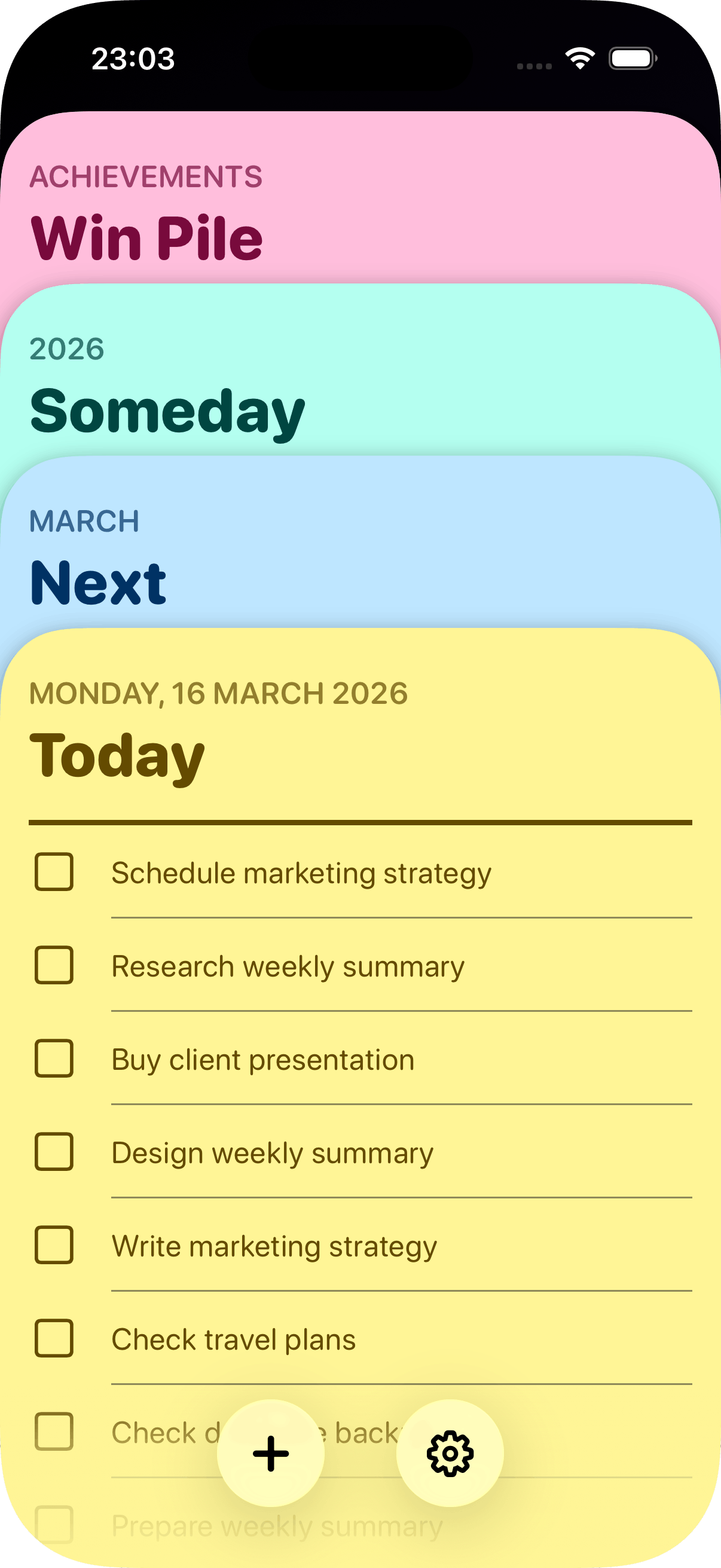
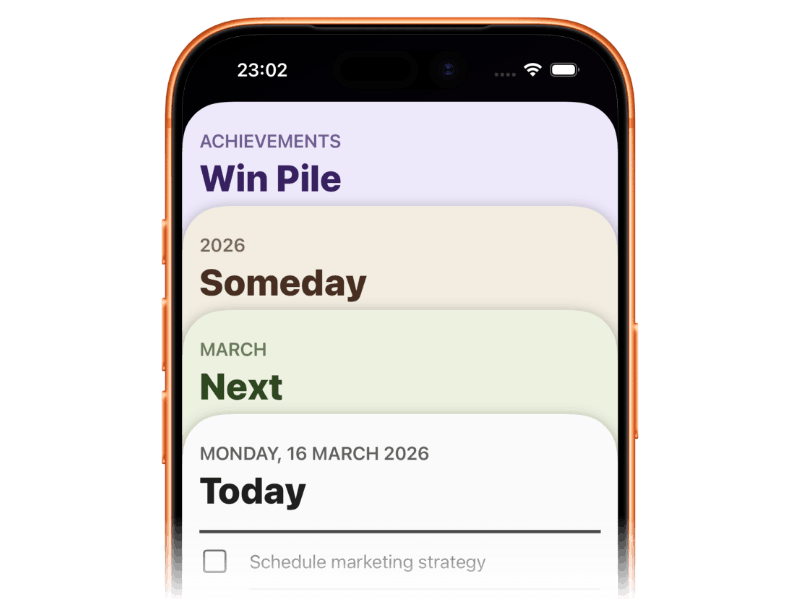
Just four cards
OnDeck keeps things simple, so you can focus on doing your to do list; not managing it.
Arrange your tasks by priority: Now. Next. Someday.
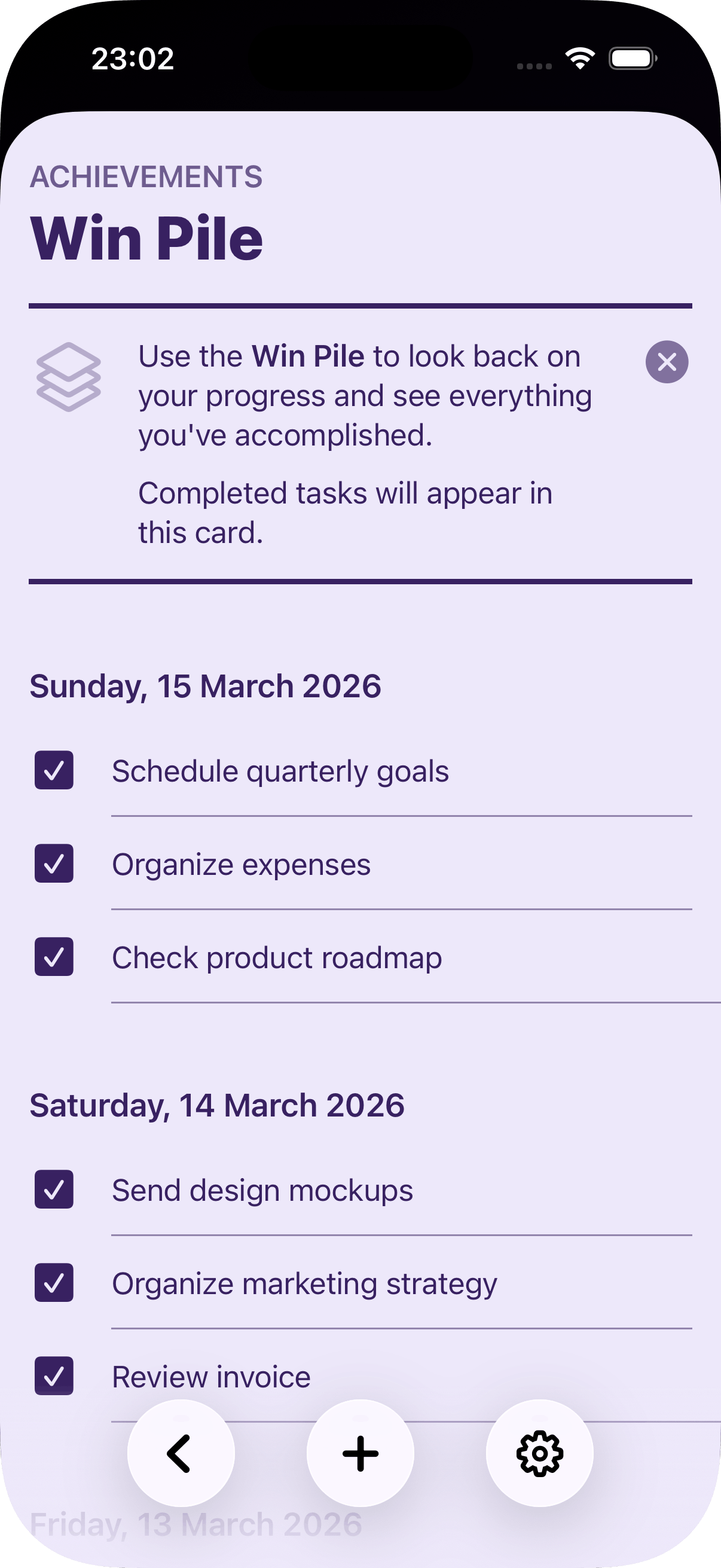
Look back with the Win Pile.
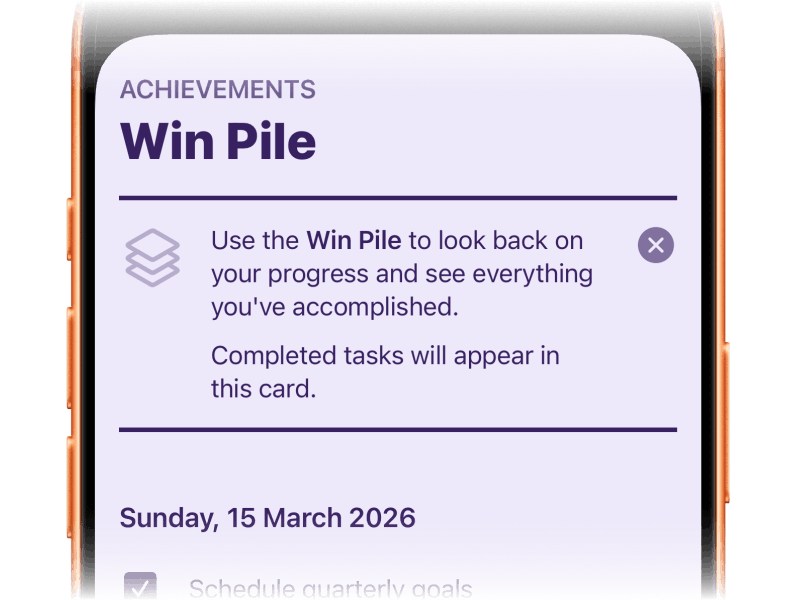
The Win Pile
Keep track of your achievements.
Completed tasks move to your Win Pile.
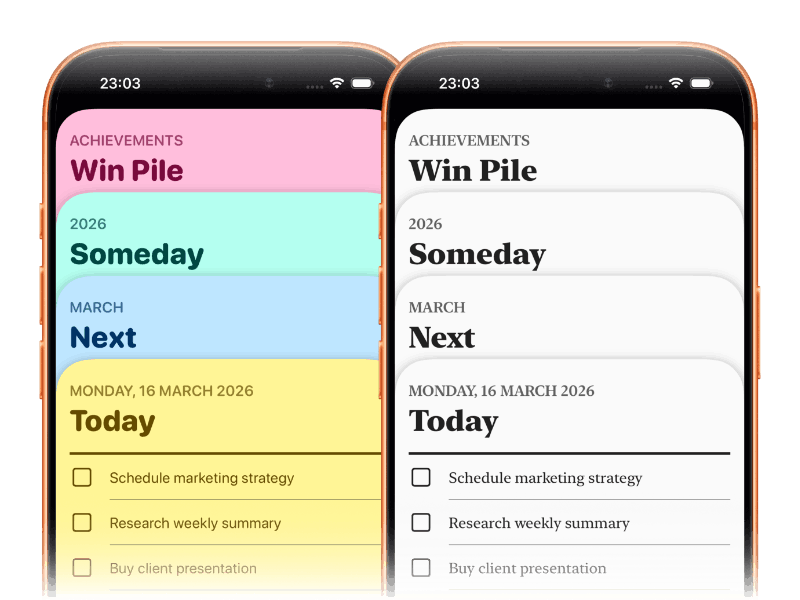
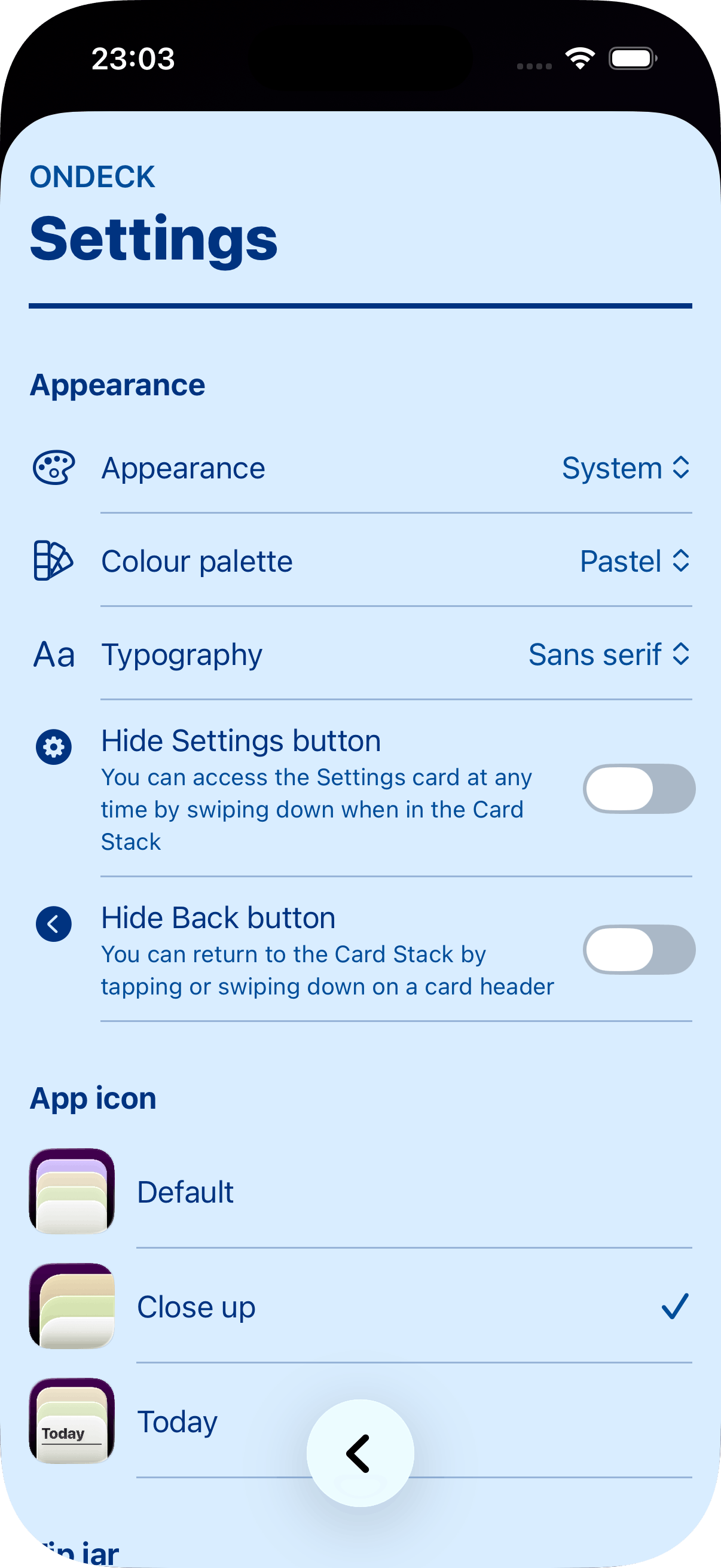
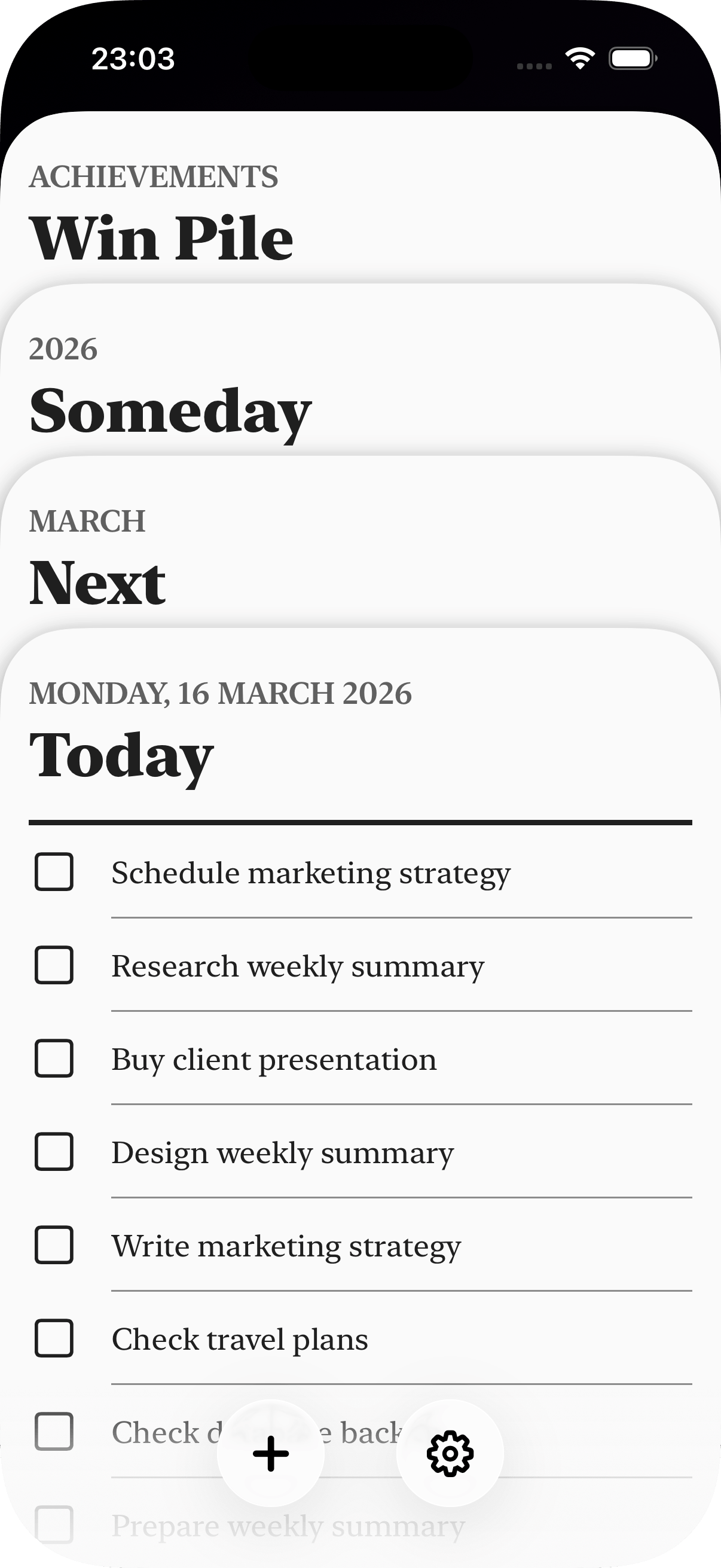
Style it your way
Customise OnDeck with different font styles, colours and home screen icons.
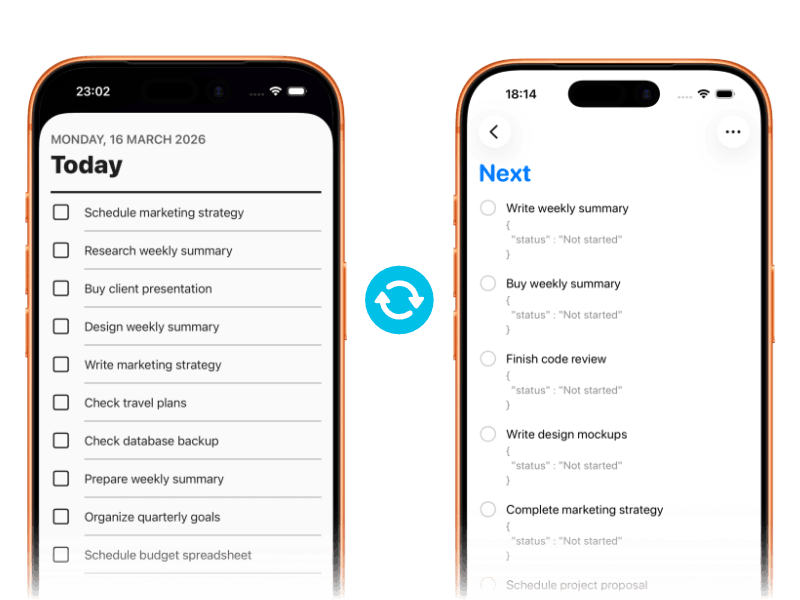
Works with Apple Reminders
OnDeck keeps all your tasks synced with the Apple Reminders app.
Everything works seamlessly across devices via iCloud; syncing your data instantly and privately between devices.
Get the app
Get OnDeck.
Only on the App Store.

Your data
- Reminders
This app requires permission to access Apple Reminders to work, and it then syncs with your chosen reminders service – like iCloud. The app doesn’t store any of your reminders data.
- None
This app doesn’t track or store any other data about you.
Need help?
-
Reminders not syncing
Make sure you’ve allowed access for OnDeck to use Reminders in the Settings app.
-
Feedback, bugs or suggestions
Leave a review on the App Store.