What’s the stuff I rely on to get stuff done?
Inspired by Aaron Parecki’s “life stack”, this is my life stack; a list of all the tools, services and other things I use to get stuff done.
Computing
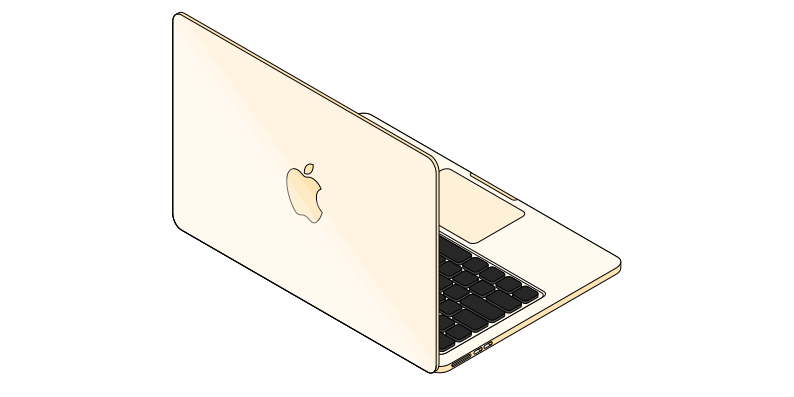
MacBook Air (2025)
13-inch laptop with an M4 processor, a 512GB solid-state drive and 24GB of “unified memory”. The best laptop I’ve ever owned.
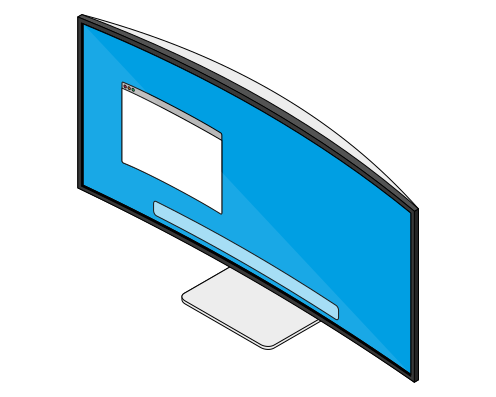
Dell 34 Plus USB-C monitor (S3425W)
A 34-inch, ultra-wide, QHD monitor. This is my first ultra-wide monitor. Being able to have two, full-size windows side by side is a huge productivity boost. The picture quality could be crisper and the colours could be richer but for £260, I think it’s great!
Logitech StreamCam
The only 1080p webcam I could get that wasn’t from an obviously suspicious source during the Great Webcam Shortage of 2020. It’s a pretty decent webcam. It looks nice. It uses USB-C connector. But yes, it was overpriced.
Logitech MX Vertical Ergonomic mouse
Too few hours touching grass has left me with RSIs in both wrists. This was my first try at using a more ergonomic mouse that would lift my wrist away from my desktop a bit more to help avoid the pain; and, it mostly works!
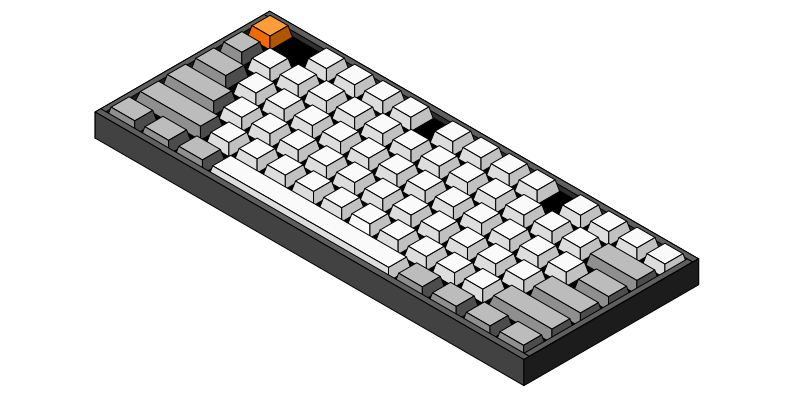
Keychron K8
A wireless, mechanical keyboard. I’ve been trying out lots of different kinds of keyboard to find one that’s a bit more comfortable to use too; and this keyboard, with its Gateron Blue “clicks” switches makes for a much more comfortable typing experience and gives a satisfying soundtrack to accompany the tip-tapping of my fingers.
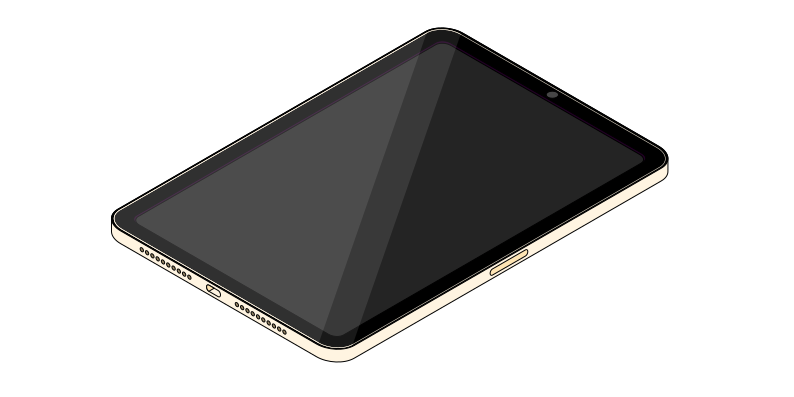
iPad mini (A17 Pro)
With a 256GB and 5G. An every-day carry device that I use for reading, web browsing and gaming, at home and on the go.
In my pockets
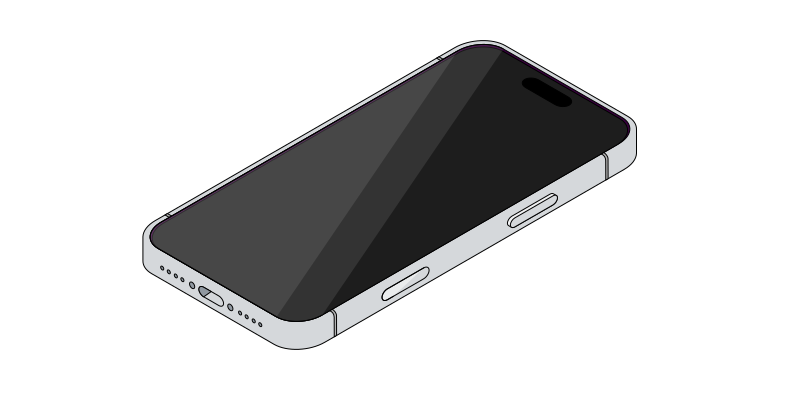
iPhone 17 Pro
After a brief flirtation with the iPhone Air – which proved to be a wonderful device, save for the awful, tinny speaker – I’ve upgraded to the iPhone 17 Pro instead.
Coming from the iPhone 15 Pro Max, this is a much lighter device, with slightly better ergonomics.
The camera is substantially better – especially on the telephoto lens.
The slightly smaller screen feels better in my hands but iOS 26 does a terrible job of utilising that space well. The UI feels cramped in a way that older iOS versions never did.
Nonethless, I think this will be a great daily driver for at least a couple of years.
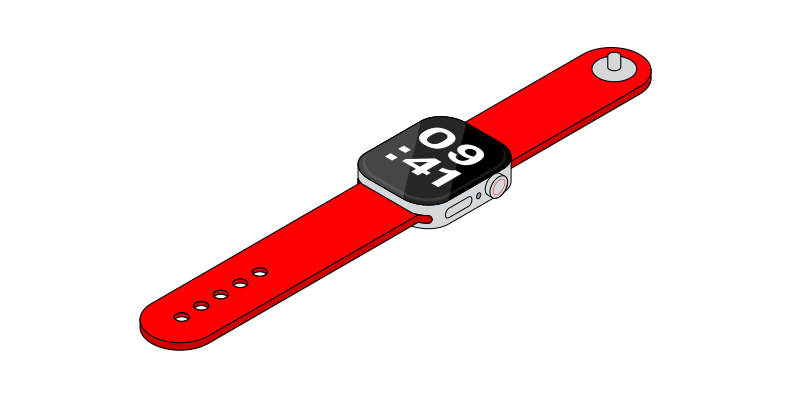
Apple Watch Series 7
I’ve been using an Apple Watch since the very first model. I’ve become used to having it strapped to my wrist. It rarely does anything that truly astounds me, but it has become a really useful gadget for tracking my fitness. I also see no reason to upgrade to any of the newer models.
On this occasion I paid for the more expensive, stainless steel model. This was partly because I wanted a fashion statement and partly because I’m a clutz and keep knocking the watch on walls; the sapphire crystal screen has helped to prevent scratches and nicks that my previous aluminium models didn’t survive.
The battery was starting to not last the whole day, so I popped into the Apple Store and paid to have it replaced instead. As a nice bonus, they simply gave me a brand new device instead!
AirPods Pro (2nd generation)
My ‘daily driver’ for listening to podcasts and music on the go. They’re comfortable, convenient, and the noise-cancelling is great.
AirTags
I misplace my keys and wallet more times in a week that I care to count. My keys and wallet both have AirTags attached to them for when that mild panic sets in that I’ve lost them.
Entertainment and home theatre
LG C1 OLED TV
I’ve wanted an OLED TV for ages, and a few years back they hit a price-point where I felt the cost was affordable. This LG model was the one the reviews all pointed to within my budget, so when it went on sale, that was the decision made!
It’s got excellent viewing angles, inky blacks, eye-popping dynamic range and it supports up to 120Hz refresh rate for gaming too. It’s at least 4 years old now and I’ve had no issues with screen burn-in or image retention; which is good, as I was worried about that! It isn’t as bright as I’d like it to be during daylight conditions, but otherwise I’m very happy with it.
Apple TV 4K (fourth generation)
The future of TV might not be apps, but at least it’s an easy to use, largely advert-free experience. One version or another of the Apple TV has been my streaming box of choice since 2013, and having tried other platforms, the grass is greener on this side.
Sonos Beam (1st generation)
The picture quality might be dazzling on the LG C1, but the sound quality – like with most modern TVs – leaves a lot of be desired. The Sonos Beam was a relatively inexpensive way of making upgrading my TV’s audio in a big way.
HomePods (1st generation) and HomePods mini
I’ve got HomePods scattered around my house. They’re great for multi-room audio, and setting the occasional a timer or alarm.
PlayStation 5 (Digital Edition)
Ages ago, I needed to buy a TV unit and it turned out at the time that buying a nice one I liked and having one made to my exact specifications was about the same cost. So I got one handmade. It’s beautiful. I love it.
What I didn’t foresee at the time was that Sony would release an eyesore of a PlayStation that was also the physically-largest games console of all time. I didn’t want that thing out in the open, I wanted it slotted neatly inside my beautiful furniture. But the slot in my bespoke cabinet was too stout.
I’d been waiting for a PS5 ‘slim’ ever since. Well, now there is one; so out went my old PS4 and in comes the new console. This “model group - slim” digital edition fits in the TV unit perfectly, and the console itself is epic!
PlayStation PULSE 3D wireless headphones
I’ve been playing a lot of online gaming with family over the past year or so. These headphones were a significant upgrade over the wired earphones I was using before to listen to and speak to them. There is no discernible lag, and the audio quality is crystal clear.
Nintendo Switch 2
I got rid of my first-generation Switch a little over a year ago but Mario Kart World and the upcoming Metroid Prime 4 have proven too much of a lure to avoid the pull of the Switch 2.
Kitchen
Delonghi Dedica EC680M coffee machine
Hell hath no fury like me without caffeine in the morning. I bought this coffee machine because it was relatively cheap, and relatively small, so it didn’t take up loads of space on my kitchen counter.
Soda Stream ‘Art’
I like fizzy drinks. This Soda Stream is allegedly a more eco-friendly way of making fizzy drinks. I have no idea if that’s true, but it sure is convenient. This one looks nice in the kitchen too.
At the office
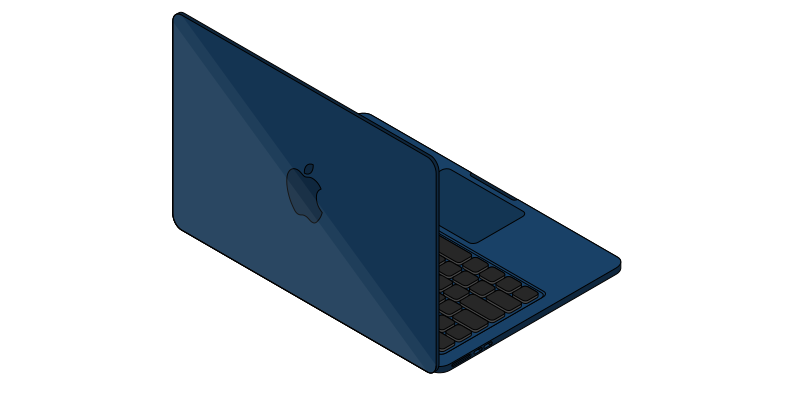
MacBook Air (2022)
I’m lucky that my current employer understands the value of giving its staff a choice over their operating system, and of providing them with hardware that can keep up with the demands of the modern workplace. A MacBook Air with similar specs as my Mac at home means I can spend my workdays focused on the big problems, and not on relearning software or battling against system limits. (Although it would be nice if we didn’t use Microsoft 365 – it’s abysmal).
Uni-ball Eye fine UB-157 rollerball pens
You can’t beat a good pen if you’re scribbling lots of notes throughout the day. These pens are the ones I always buy. Usually with blue ink.
Apps
iA Writer
My favourite writing app. It’s a minimalist app designed specifically for writing things in Markdown. If I’m writing anything for my own enjoyment (like things on this website), I use iA Writer to get it done.
- App icon
-
- App name
- iA Writer
- Description
- Get focused, enjoy writing
- Developer
- Information Architects AG
- Platform
- iOS, iPadOS, macOS
- Price
- £49.00
Ivory
An app for Mastodon by the same people that made my favourite Twitter client (Tweetbot). It costs less than £1.50 a month, and for me it’s made Mastodon worth using!
- App icon
-

- App name
- Ivory
- Description
- A magnificient app for Mastodon
- Developer
- Tapbots
- Platform
- iOS, iPadOS
- Price
- £14.99 per year
Reeder
The web is sometimes an excessively noisy place to read good stuff. Reeder lets me read all that good stuff in a more pleasant interface, thanks to the power of RSS.
- App icon
-
- App name
- Reeder
- Description
- RSS reader
- Developer
- Silvio Rizzi
- Platform
- iOS, iPadOS, macOS
- Price
- £10 per year
Overcast
Simply the best podcast app I have found to date. It fits my consumption habits, it’s reliable, and it’s designed with a level of care that is leaps ahead of all the other podcast apps I’ve tried.
- App icon
-
- App name
- Overcast
- Description
- A better podcast app
- Developer
- Marco Arment
- Platform
- iOS, iPadOS, macOS
- Price
- £14.99 per year
Baking Soda and Vinegar
Two, single-purpose utilities that force videos you find on the web to play using the native iOS, iPadOS and MacOS video player. This makes for a sometimes-broken but usually hugely enjoyable watching experience, enabling you to keep those familiar controls you’re used to on every webpage.
- App icon
-

- App name
- Fizzy water bundle
- Price
- £2.99
- App icon
-

- App name
- Baking Soda
- Price
- included
- App icon
-

- App name
- Vinegar
- Price
- included
Magic Lasso
An ad-blocker. It’s more expensive than most other ad-blockers but it does seem to work a bit more consistently.
- App icon
-
- App name
- Adblock by Magic Lasso
- Description
- Safari adblocker and app adblock
- Developer
- Matthew Bickham
- Platform
- iOS, iPadOS, macOS
- Price
- £29.49 per year
Timepage
The default iOS calendar app is just poor. The information density is all off, and it lacks an efficient interface for simple things like creating a new event. I was hooked on Fantasical, but it’s way too pricey for a casual user and free version is compromised. Timepage works well enough for what I need and it’s beautiful too.
- App icon
-
- App name
- Timepage
- Description
- Home, work and family schedule
- Developer
- Bonobo Labs
- Platforms
- iOS, iPadOS, macOS
Cardhop
A much, much better contacts app for iOS, iPadOS and MacOS; though I mostly use it on my iPhone. It’s faster to get things done, and it’s much more beautiful than the default apps on any Apple platform.
- App icon
-

- App name
- Cardhop
- Description
- The contacts app you'll love
- Developer
- Flexibits
- Platforms
- macOS, iOS, iPadOS
Nova
On MacOS, I have been using Panic’s developer software for a long time. It’s not cheap – and there are many free alternatives – but it is the most thoughtful and fits my way of working. I use it to build pretty much everything I make for the web.
- App icon
-
- App name
- Nova
- Description
- Native Mac code editor that's fast and amazing
- Developer
- Panic
- Platform
- macOS
- Price
- £49.00 per year
Working Copy
I don’t often attempt to do real development work on iOS, but because my website relies on GitHub, I need some simple ways of managing files on from my iPhone or iPad. Working Copy makes managing those files on the go a snap.
- App icon
-

- App name
- Working Copy
- Description
- The powerful Git client for iOS
- Developer
- Anders Borum
- Platforms
- iOS, iPadOS
- Price
- £17.99 per year
Claude
I’ve been doing a lot of coding recently in my spare time – just for fun. When I know 95% of what I need to do but need some assistance with the remaining 5%, I’ve been using Claude, which I’ve found to be the most effective of the LLMs and the best interface for presenting the code.
- App icon
-

- App name
- Claude
- Description
- AI assistant for life and work
- Developer
- Anthropic
- Platforms
- Web, iOS, iPadOS, macOS
Services
GitHub
This very website is hosted thanks to a combination of a GitHub repository and GitHub Actions; which takes the static files in the repository and turns them into the worldwide wonderful web stuff you see before you.
Namecheap
Namecheap is the provider of my domain names. Not much else to say about that really; it’s a commodity service for which I pay a tolerable price.
Cloudflare web analytics
I prefer my website analytics to be as non-invasive as possible. I don’t want no analytics. Some would be good though. Knowing what people are reading and whether my website is loading with reasonable performance is helpful. Cloudflare’s web analytics platform is the one I choose to use. It doesn’t rely on cookies or massive violations of my website visitors’ privacy, and it gives the me the insights I need for free.